Power Tools
Getting Started With a Random Orbital Sander
Learn how to use an orbital sander without swirl marks. Covers grit progression, technique, dust collection, and pad sizes for beginners.
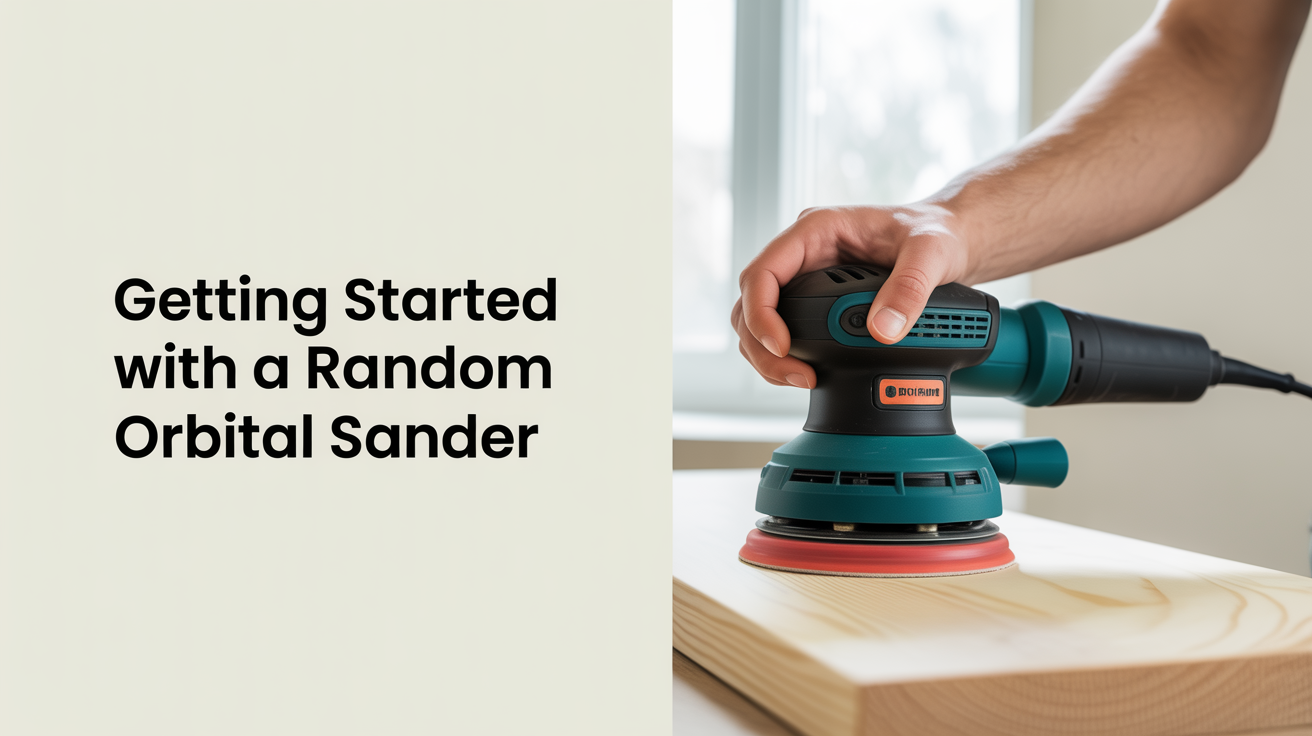
A random orbital sander is one of the first power tools worth owning. It's fast enough to save real time on prep work, forgiving enough that beginners get decent results quickly, and versatile across solid wood, plywood, and painted surfaces. The tricky part is understanding why it leaves swirl marks and how to stop that from happening.
What Makes a Random Orbital Sander Different
A standard orbital sander moves in a fixed elliptical pattern. A random orbital sander adds a second motion: the pad spins on its own axis while it orbits, so each abrasive grain traces a different path on every pass. That's the mechanism that reduces visible scratch lines.
The two common pad sizes are 5-inch and 6-inch. Five-inch sanders are lighter, easier to maneuver in tighter spots, and the most common choice for general shop work. Six-inch models cover more ground and are faster on wide flat surfaces like tabletops, but they're heavier and the larger pad makes it harder to work near edges without rocking. For a beginner buying a first sander, 5-inch is the practical starting point.
Hook-and-loop discs (sometimes called Velcro-style) are the standard for random orbital sanders. They swap in seconds, which matters when you're cycling through grits. Pressure-sensitive adhesive discs exist but offer no real advantage and are slower to change.
How to Hold It and Move It
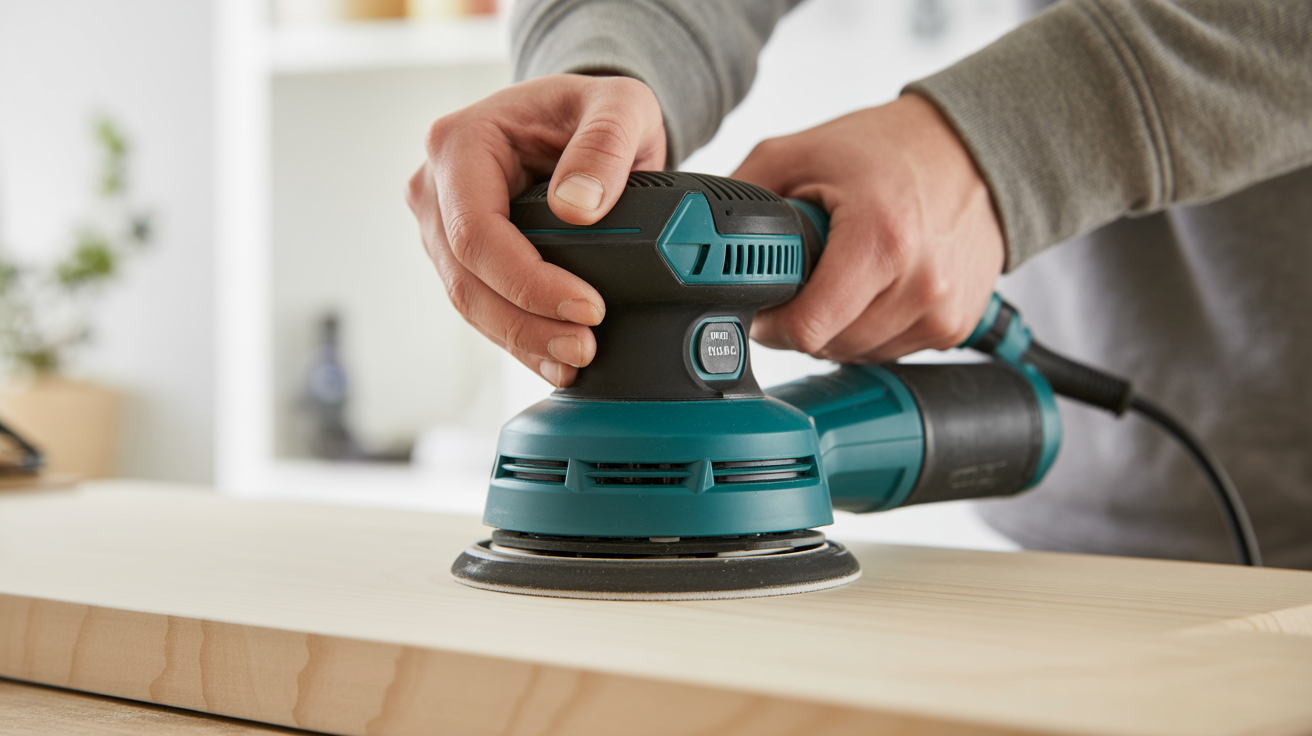
The most common beginner mistake is pressing down hard, as if more pressure means faster material removal. It doesn't. The abrasive works at its pad speed, and extra downward force actually slows the pad's rotation, which concentrates scratches in one spot.
Rest the sander on the surface and let its own weight do the work. Keep both hands on the tool: one on the body, one on the front handle or top knob depending on the model. Keep the pad flat. Tilting it even slightly puts the edge into the wood, creating a low spot that's visible after finishing.
Move at roughly one inch per second. That feels slow. Slow is correct. Moving faster than that doesn't allow the abrasive to cut fully, so you end up making more passes anyway. Overlap each pass by about half the pad's width so you don't leave unsanded strips between rows.
Grit Progression: The Table That Actually Matters
Skipping grits is the second most common cause of swirl marks, after using a sander on wood that still has machine marks from the planer or jointer. Each grit leaves scratches that the next finer grit needs to erase. Jump too far and the new grit can't fully erase the old ones, especially in corners or where the grain changes direction.
| Starting Condition | Start Here | Then | Then | Finish |
|---|---|---|---|---|
| Rough lumber, mill marks | 60 | 80 | 120 | 150 or 180 |
| Surfaced lumber, minor tearout | 80 | 120 | 150 | 180 |
| Previously sanded, light scuffs | 120 | 150 | 180 | 220 |
| Between coats (finish sanding) | 220 | 320 | ||
| Prep for paint | 120 | 150 | 180 |
Don't skip more than one grit in the sequence. The rule of thumb: the next grit should be no more than 50% higher than the one you just used (80 to 120 is fine; 80 to 180 is not).
At each grit, sand the full surface before moving on. If you're not sure you've covered everything, wipe the surface with a damp rag, let it dry for 60 seconds, and look at the grain under raking light. Raised grain and uneven sheen reveal areas that need more passes.
Why Swirl Marks Appear
Swirl marks are circular scratches left by the pad's orbital motion. A few specific conditions create them:
- Grit jumps that are too large. The new grit can't fully erase the deeper scratches from two grits back.
- Debris under the pad. A chip or piece of sawdust trapped between the disc and the wood acts like a cutting wheel, carving a visible arc.
- Stopping with the sander still running. If the pad is spinning when it leaves the surface, the last contact point gets an extra scratch circle.
- Too much downward pressure. Slows pad rotation, concentrates cutting action, and creates deeper localized scratches.
- A worn or clogged disc. When the abrasive loads up with wood dust and resin, it stops cutting evenly.
The fix for existing swirl marks is going back one grit and sanding across the grain first, then with the grain, then moving forward through the progression again. If the marks are severe, drop two grits.
Dust extraction reduces swirl marks more than most people expect. The sanding disc has holes that align with holes in the pad. When connected to a shop vac or the sander's own dust bag, those ports pull debris out from under the disc as it cuts, rather than letting it pile up and score the surface.
Dust, Eyes, and Lungs
Fine sanding dust is a genuine respiratory hazard. Hardwood dust from species like oak and walnut is classified as a carcinogen with prolonged exposure. A dust mask rated N95 or better is the minimum; a half-face respirator with P100 filters is better for extended sessions.
Eye protection matters too. The orbital motion throws grit and debris outward, and you're typically looking straight down at the work surface.
Connecting to dust collection doesn't eliminate airborne dust, but it removes the bulk of it at the source. Most sanders have a port that accepts a standard shop vac hose directly, or with a small adapter.
Matching the Sander to the Task
The random orbital sander handles most flat-surface work well, but it has limits. For more detail-oriented cuts or shaping work, you'll want to understand other tools. If you're doing edge work that requires precision, the router guide for beginners covers that side of the shop. For breaking down stock to final dimensions before sanding, circular saw basics explains how to get flat, square edges that don't need heavy material removal.
One habit that pays off: sand before assembly wherever possible. It's much harder to get a sander into inside corners and tight joints after glue-up. Sand the components flat, then do light hand sanding with a block on any areas the orbital can't reach after assembly.
If your project involves drilling or driving before finishing, see how to use a drill and driver to avoid tear-out around fastener holes that you'd then need to sand out.
Frequently Asked Questions
How do I know when to move to the next grit?
Sand the entire surface and then look at it under a single strong light held at a low angle to the wood (raking light). If you can still see deeper scratches from the previous grit, keep going. If the surface looks uniformly scratched at the same depth, you're ready to move up.
Can I use a random orbital sander to remove old finish?
Yes, with some caution. Start at 60 or 80 grit for heavy buildup, and expect to change discs frequently since finish clogs abrasive fast. A card scraper or paint stripper can handle the bulk removal faster if the finish is thick, leaving the sander to clean up what remains.
Why does my sander leave pigtail marks even at fine grits?
Pigtail or swirl marks at fine grits usually mean debris is trapped under the pad, the disc is clogged, or the pad itself is worn out. Replace the disc, check that the dust ports are clear, and confirm the pad's hook-and-loop surface isn't compressed or glazed. Pads wear out and need replacement every year or two in regular use.
Does sanding direction matter with a random orbital?
Less than with hand sanding, but it still helps to move generally with the grain. The random motion means some cross-grain scratching happens regardless, but the final passes at your finest grit should track with the grain to minimize any visible pattern.
What's the difference between a random orbital sander and a detail sander?
A detail sander (sometimes called a mouse sander) has a triangular pad that fits into corners and tight spots a round pad can't reach. It's not a replacement for a random orbital, just a complement for inside corners, chair spindles, and narrow edges. For open flat surfaces, the random orbital is faster and leaves a better finish.